AIA Billing by Trade
Trade-specific guides for contractors that need cleaner AIA-style pay applications, stronger Schedule of Values structure, better retainage handling, clearer stored materials billing, and fewer G702/G703-style pay app revisions.
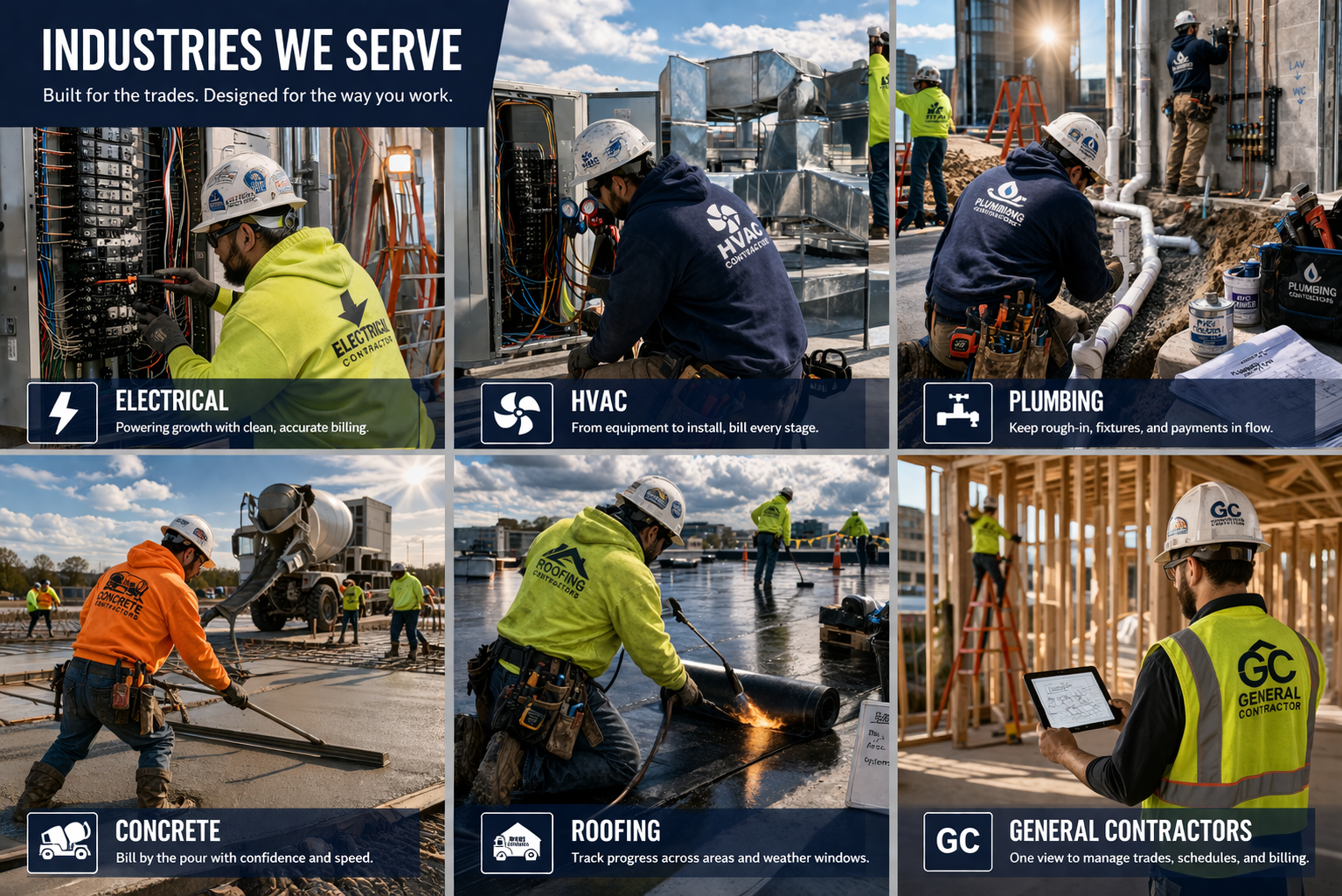
AIA-style billing uses a common framework, but the billing problems change by trade. The G702/G703-style pay application workflow still depends on the same core pieces: Schedule of Values, prior billing, current work, retainage, stored materials, change orders, and amount due.
What changes is the story behind the numbers. Electrical billing breaks one way. HVAC breaks another. Plumbing, roofing, concrete, and drywall each create different review questions.
Why AIA Billing Problems Change by Trade
On paper, contractor billing looks standardized. You have a contract amount, previous billing, current billing, materials presently stored, retainage, and balance to finish. But in the field, those numbers behave differently depending on the work.
The same G702-style summary and G703-style continuation sheet can create very different review problems depending on whether the contractor is billing concrete, drywall, electrical, HVAC, plumbing, or roofing work.
That is because each trade creates its own pressure points:
- Concrete jobs often create front-loaded cost before the work looks visibly far along.
- Drywall jobs often involve overlapping phases that are easy to bill inconsistently.
- Electrical jobs often create line-item drift because many details are moving at once.
- HVAC jobs often involve equipment and startup timing that make progress hard to explain cleanly.
- Plumbing jobs often include underground and rough-in value that may not look obvious later.
- Roofing jobs often move unevenly because weather and area-by-area completion affect the billing story.
The result is the same across all six trades: a pay app that feels “close enough” internally often does not feel clean enough to the reviewer. Once that happens, questions start, revisions start, and payment slows down.
Same Billing System, Different Trade Problems
Every trade still has to answer the same reviewer questions. The difference is where the risk shows up. A clean AIA-style billing package should make those answers obvious.
Does the SOV tell the right story?
A strong Schedule of Values should reflect how the trade actually performs work, not just how someone copied line items into a spreadsheet.
Do the totals tie?
Reviewers want the G703-style continuation detail to support the G702-style summary. If the detail and summary do not match, the pay app is vulnerable to delay.
Are retainage and stored materials clear?
Retainage and stored materials often create questions because they affect both current payment and future billing history.
How PayAppPro fits
PayAppPro’s AIA billing software helps contractors build a repeatable pay app workflow so trade-specific progress, retainage, stored materials, approved change orders, and billing history stay aligned across periods.
Trade-Specific AIA Billing Guides
Start with the guide that matches your work. Each page goes deeper into the billing issues that show up most often in that trade.
Concrete Contractors
Front-loaded job costs, early billing pressure, stored materials, retainage, and later catch-up problems.
Concrete pay apps often get questioned when cost hits before the work looks dramatically complete. The billing package needs to explain production, phase completion, and retained value clearly.
Drywall Contractors
Hang, tape, finish, sanding, punch, overlapping phases, and subjective percent complete.
Drywall billing can drift when phases overlap and the percent complete is hard to defend. A clean SOV and consistent roll-forward are critical.
Electrical Contractors
Detailed SOV lines, fixtures, feeders, gear, change orders, stored materials, and line-item drift.
Electrical pay apps need enough detail to explain complex work without creating so many line items that the package becomes hard to manage.
HVAC Contractors
Equipment-heavy billing, delivered versus installed value, startup, commissioning, and retainage complexity.
HVAC billing often has a gap between large equipment value and visible installed progress. The pay app needs to make that timing understandable.
Plumbing Contractors
Underground work, rough-in, fixture timing, stored materials, and phase-based billing interpretation.
Plumbing pay apps need to explain value that may be buried, hidden, or no longer obvious by the time billing is reviewed.
Roofing Contractors
Weather delays, partial completion, stored materials, dried-in progress, and uneven area-by-area advancement.
Roofing billing often moves in bursts. The pay app needs to explain partial completion, materials, weather effects, and area-by-area progress clearly.
What These Trades Still Have in Common
Even though the source of the problem changes by industry, the billing failures usually rhyme. Most contractor pay apps get slowed down because the package stops telling one clean story.
That usually means one or more of these things happened:
- the Schedule of Values no longer matches the live contract value,
- prior billing does not roll cleanly into the current period,
- stored materials were billed but not transitioned properly later,
- retainage logic changed from one pay app to the next,
- approved change orders exist but are not reflected consistently, or
- the summary and continuation detail no longer match perfectly.
Reviewers may not know your job well, but they know when a package feels risky. Once the numbers start looking inconsistent, even legitimate billing gets slowed down by avoidable questions.
AIA Billing for Subcontractors and Trade Contractors
Most trade contractors are not trying to become billing experts. They are trying to get paid without losing a billing cycle to revisions, missing backup, inconsistent retainage, or pay app totals that do not tie out.
That is why industry-specific billing content matters. A generic article may explain what G702 and G703 mean, but a drywall contractor, roofing contractor, electrical contractor, or HVAC contractor needs to understand how the billing package should reflect the way their work actually progresses.
For the software path, see AIA billing software for contractors. For the accounting path, see QuickBooks Online AIA billing integration.
Common trade contractor needs
- Cleaner SOV structure
- Fewer spreadsheet errors
- Better retainage consistency
- Stored materials documentation
- Approved change order clarity
- Reviewer-ready PDFs
Core AIA Billing Guides That Help Every Trade
If you want the form mechanics and billing basics behind these trade pages, these core guides are a good place to start. They explain the G702/G703 structure, SOV setup, retainage, stored materials, and common rejection points.
How PayAppPro Helps Across Trades
PayAppPro is built around the pieces every trade needs to keep aligned: the Schedule of Values, current billing, prior billing, retainage, stored materials, approved change orders, and G702/G703-style PDF output.
The trade-specific billing story may change, but the goal is the same: create a cleaner pay application package that reviewers can understand without hunting through spreadsheets, emails, and manual backup.
- Build and reuse a structured Schedule of Values
- Track progress by billing period
- Keep retainage and stored materials visible
- Reflect approved change orders consistently
- Export AIA-style G702/G703 PDF outputs
- Reduce pay app revisions caused by inconsistent math
Need one pay app?
PayAppPro includes a low-cost starting path for contractors who only need to create one AIA-style pay application package, with upgrade options for recurring billing.
FAQ: AIA Billing by Industry
Because each trade creates different billing pressure points. Electrical contractors often deal with line-item complexity and change orders, HVAC contractors deal with equipment timing, plumbing contractors deal with underground and rough-in phases, roofing contractors deal with weather and partial completion, concrete contractors deal with front-loaded costs, and drywall contractors deal with overlapping phase-based progress.
Pay applications usually get rejected when prior billing does not tie out cleanly, stored materials are unclear, change orders are not reflected consistently, retainage is handled differently from one period to the next, or the G702-style summary does not match the G703-style continuation detail.
This hub includes detailed AIA-style billing guides for concrete contractors, drywall contractors, electrical contractors, HVAC contractors, plumbing contractors, and roofing contractors.
Yes. Subcontractors often need to submit structured pay applications to general contractors, owners, lenders, or architects. AIA-style billing software helps keep the Schedule of Values, retainage, stored materials, change orders, prior billing, and PDF outputs consistent across billing periods.
The overall G702/G703-style structure is similar across trades, but the billing story changes. The Schedule of Values, stored materials, retainage, and change order details need to reflect how that specific trade actually performs and documents work.
Build Cleaner Pay Apps for the Way Your Trade Actually Works
If your current billing process depends on spreadsheets, copied formulas, email cleanup, and last-minute tie-outs, PayAppPro gives you a more repeatable way to create cleaner AIA-style pay application packages.
Also useful: QuickBooks integration, pay app errors guide, change orders guide, stored materials guide, and retainage guide.
PayAppPro outputs are AIA-style only and are not official AIA Contract Documents.