Free Schedule of Values Builder for Construction Billing
Build a construction Schedule of Values (SOV) online for free. Add billing line items, enter scheduled values, track percent complete, include stored materials, and export your SOV to CSV.
A Schedule of Values is the line-item structure behind progress billing and AIA-style pay applications. If the SOV is messy, the G702/G703-style pay app workflow usually gets messy too.
Use this free builder to organize the SOV first. Then, when you need recurring pay apps, retainage, stored materials, and PDF outputs, move into PayAppPro’s AIA billing software.
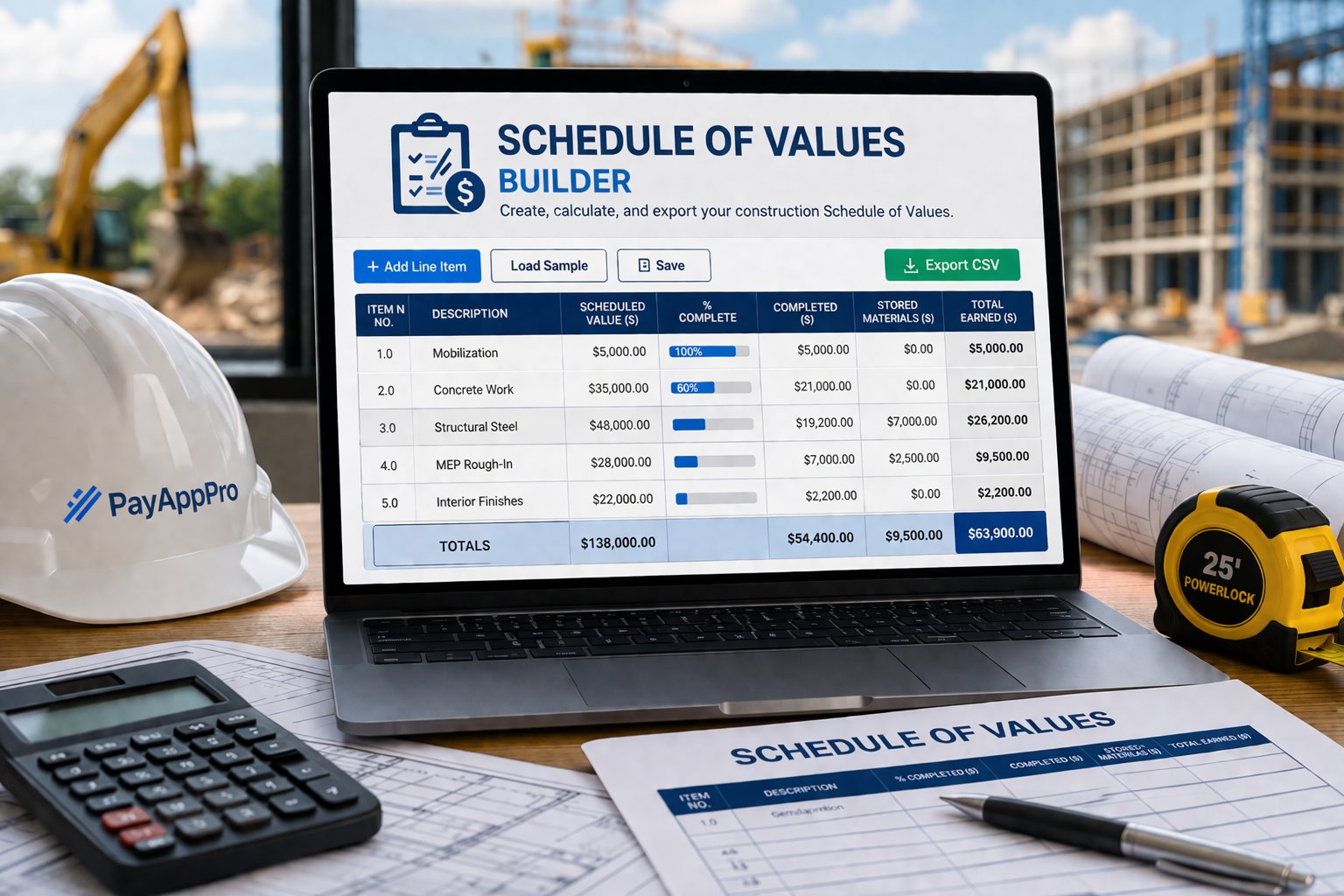
Build Your Schedule of Values
Add rows, calculate totals automatically, save locally in your browser, and export to CSV.
| Item No. | Description | Scheduled Value ($) | % Complete | Completed ($) | Stored Materials ($) | Total Earned ($) | Remove |
|---|---|---|---|---|---|---|---|
| Totals | $0.00 | $0.00 | $0.00 | $0.00 | |||
How this free SOV builder works
- Add each division, scope, phase, or billing line item as its own row.
- Enter the scheduled value for each line.
- Set the percent complete to calculate completed work automatically.
- Add stored materials when they apply.
- Export your SOV to CSV for estimating, accounting, or billing workflows.
Good fit for
- Subcontractor billing teams
- Project managers
- Construction accountants
- General contractor support staff
- Anyone replacing messy SOV spreadsheets
What is a Schedule of Values in construction?
A Schedule of Values is a line-by-line breakdown of the contract amount for a construction project. It usually organizes the job into cost categories, scopes, phases, or trade-based line items so billing can be measured against actual progress.
In practical terms, the SOV is the map for the money. It shows how the contract value is distributed across the work, making it easier to bill accurately, review progress, explain completed work, and reduce payment disputes.
In AIA-style billing, the SOV feeds the continuation detail. That is why a clean SOV matters before you start building a G702/G703-style pay application.
Why contractors search for an SOV template
- To replace a messy spreadsheet
- To organize a project before billing starts
- To support monthly progress billing
- To track percent complete by line item
- To account for stored materials more clearly
- To prepare for pay applications and reviewer approval
How to create a Schedule of Values
A good construction SOV starts with a clear breakdown of the work. The goal is not to create dozens of random lines just to look detailed. The goal is to create a schedule that reflects how the project will actually be managed, reviewed, and billed.
1. Break the job into logical line items
Use categories that make sense for how the project is estimated and billed. That may be CSI-style divisions, phases of work, or trade-specific scopes. For a deeper explanation, see how to create a Schedule of Values template.
2. Assign a scheduled value to each item
The total of all line items should match the contract amount you are billing against. If it does not, confusion starts before the first pay application is ever submitted.
3. Track progress honestly
Percent complete should be defensible. If the reviewer cannot understand how you reached your billing amount, that is often where delays and rejections begin.
4. Include stored materials carefully
Stored materials often need to be tracked separately from installed work depending on the project and contract terms. If this applies to your billing, review how to bill stored materials on G702/G703.
5. Keep the structure usable month after month
The best SOV is not just accurate once. It stays useful across recurring billing cycles, supports change orders, and gives your accounting or project team a reliable basis for each pay application.
Common Schedule of Values mistakes
- Line items that are too vague to defend during review
- Totals that do not match the contract value
- Overloaded lump-sum lines with no visibility
- Stored materials mixed into installed work with no explanation
- Approved change orders not reflected consistently
- Using a spreadsheet that nobody trusts two months later
- Building an SOV that cannot support recurring monthly billing
What happens after the SOV?
The SOV is the foundation, but it is not the full billing package. Once the SOV exists, contractors usually need to update monthly progress and turn that structure into a pay application.
1. Update progress
Each billing period, you update completed work by SOV line item and carry prior billing forward.
2. Calculate retainage
Retainage changes the amount due and must stay consistent across billing periods. See how to calculate retainage.
3. Add stored materials
Stored materials may be billable, but they need clear tracking and backup to avoid reviewer questions.
4. Reflect change orders
Approved change orders should be reflected consistently in the contract amount, SOV, and current billing. See how to bill change orders.
5. Generate pay app output
AIA-style billing usually needs G703-style line-item detail and a G702-style summary that tie together.
6. Repeat next month
Clean billing history makes the next pay app easier instead of turning every month into spreadsheet cleanup.
Need help after the SOV?
The Schedule of Values is usually the beginning, not the end. When you need to produce clean, professional monthly billing packages, the process gets more demanding.
Explore AIA Billing SoftwareTrade-specific billing pages
Frequently Asked Questions
Built the SOV? The monthly billing work usually starts after that.
PayAppPro helps contractors move beyond scattered spreadsheets and into a more organized AIA-style billing workflow for recurring pay applications, supporting detail, retainage, stored materials, and cleaner client-facing output.