AIA Billing by Industry
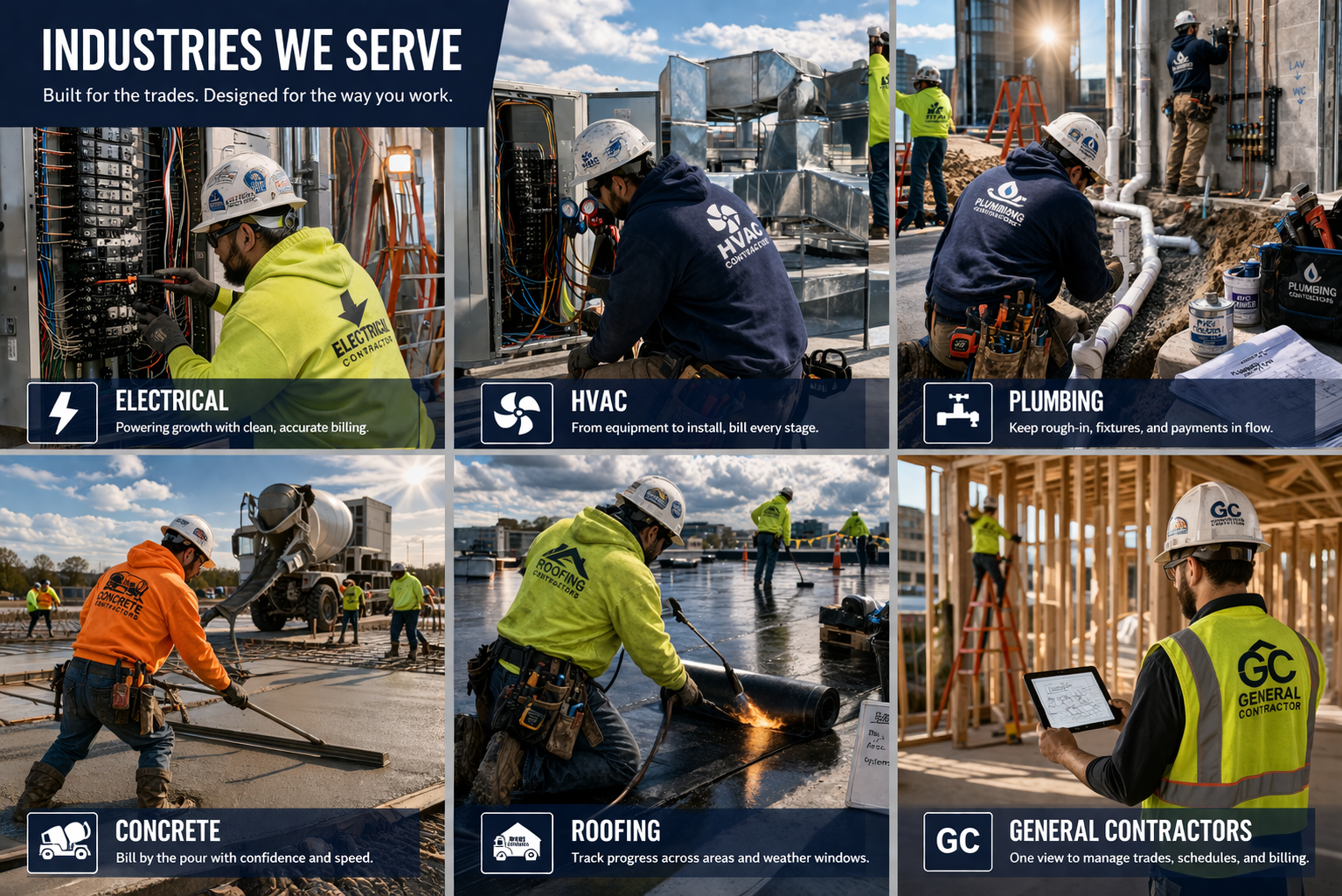
Every contractor may be using the same AIA-style billing framework, but every trade creates its own version of pay app problems.
Electrical billing breaks one way. HVAC breaks another. Plumbing, roofing, concrete, and drywall all create different billing pressure points. The form may be the same, but the billing story is not.
That is why generic pay app advice only gets you so far. A roofing contractor dealing with weather-driven partial completion does not have the same billing problem as an HVAC contractor carrying large equipment values early, or an electrical contractor managing dozens of moving line items.
This hub brings those trade-specific billing problems together in one place. Each guide below explains why pay applications get delayed in that industry, what reviewers are really questioning, and how to create a cleaner AIA-style billing package with fewer revisions.
Why AIA Billing Problems Change by Trade
On paper, contractor billing looks standardized. You have the contract amount, previous billing, current billing, materials presently stored, retainage, and balance to finish. But in real life, those numbers behave differently depending on the work.
That is because each trade creates its own pressure points:
- Concrete jobs often create front-loaded cost before the work looks visibly far along
- Drywall jobs often involve overlapping phases that are easy to bill inconsistently
- Electrical jobs often create line-item drift because too many details are moving at once
- HVAC jobs often involve equipment and startup timing that make progress hard to explain cleanly
- Plumbing jobs often include underground and rough-in value that may not look obvious later
- Roofing jobs often move unevenly because weather and area-by-area completion affect the billing story
The result is the same across all six trades: a pay app that feels “close enough” internally often does not feel clean enough to the reviewer. Once that happens, questions start, revisions start, and payment slows down.
Trade-Specific AIA Billing Guides
Start with the guide that matches your work. Each page goes deeper into the billing issues that show up most often in that trade.
Concrete Contractors
Front-loaded job costs, early billing pressure, stored materials, retainage, and later catch-up problems.
A guide to why concrete pay apps get questioned when cost hits before the work looks dramatically complete.
Drywall Contractors
Hang, tape, finish, sanding, punch, overlapping phases, and highly subjective percent complete.
A guide to phase-based drywall billing and why month-to-month drift shows up so easily.
Electrical Contractors
Detailed SOV lines, fixtures, feeders, gear, change orders, stored materials, and line-item drift.
A guide to controlling complex electrical billing so the detail stays aligned from month to month.
HVAC Contractors
Equipment-heavy billing, delivered versus installed value, startup, commissioning, and retainage complexity.
A guide to HVAC billing when large equipment values and visible progress do not move at the same pace.
Plumbing Contractors
Underground work, rough-in, fixture timing, stored materials, and phase-based billing interpretation.
A guide to cleaner plumbing pay apps when buried work and rough-in value are easy to understate.
Roofing Contractors
Weather delays, partial completion, stored materials, dried-in progress, and uneven area-by-area advancement.
A guide to roofing billing when progress moves in bursts and does not fit neat spreadsheet percentages.
What These Trades Still Have in Common
Even though the source of the problem changes by industry, the billing failures usually rhyme. Most contractor pay apps get slowed down because the package stops telling one clean story.
That usually means one or more of these things happened:
- the Schedule of Values no longer matches the live contract value,
- prior billing does not roll cleanly into the current period,
- stored materials were billed but not transitioned properly later,
- retainage logic changed from one pay app to the next,
- approved change orders exist but are not reflected consistently, or
- the summary and continuation detail no longer match perfectly.
Reviewers may not know your job well, but they know when a package feels risky. Once the numbers start looking inconsistent, even legitimate billing gets slowed down by avoidable questions.
Core AIA Billing Guides That Help Every Trade
If you want the form mechanics and billing basics behind these trade pages, these core guides are a good place to start:
FAQ: AIA Billing by Industry
Because each trade creates different billing pressure points. Electrical contractors deal with line-item complexity, HVAC contractors deal with equipment timing, plumbing contractors deal with underground and rough-in phases, roofing contractors deal with weather and partial completion, concrete contractors deal with front-loaded costs, and drywall contractors deal with overlapping phase-based progress.
Pay applications usually get rejected when prior billing does not tie out cleanly, stored materials are unclear, change orders are not reflected consistently, retainage is handled differently from one period to the next, or the summary does not match the continuation detail.
This hub currently includes detailed AIA-style billing guides for concrete contractors, drywall contractors, electrical contractors, HVAC contractors, plumbing contractors, and roofing contractors.
Build Cleaner Pay Apps for the Way Your Trade Actually Works
If your current billing process depends on spreadsheets, copied formulas, email cleanup, and last-minute tie-outs, PayAppPro gives you a more repeatable way to create cleaner AIA-style pay application packages.
Also useful: pay app errors guide, change orders guide, stored materials guide, and retainage guide.