Change Orders Don’t Lose You Money.
Not Billing Them Does.
Most contractors don’t miss revenue because the work wasn’t approved. They miss it because the change order never made it cleanly onto the pay app.
- Approved change orders sit outside the Schedule of Values
- They get billed once… then disappear next cycle
- Totals don’t tie out between G702 and G703
- Reviewers push back → delays → rework
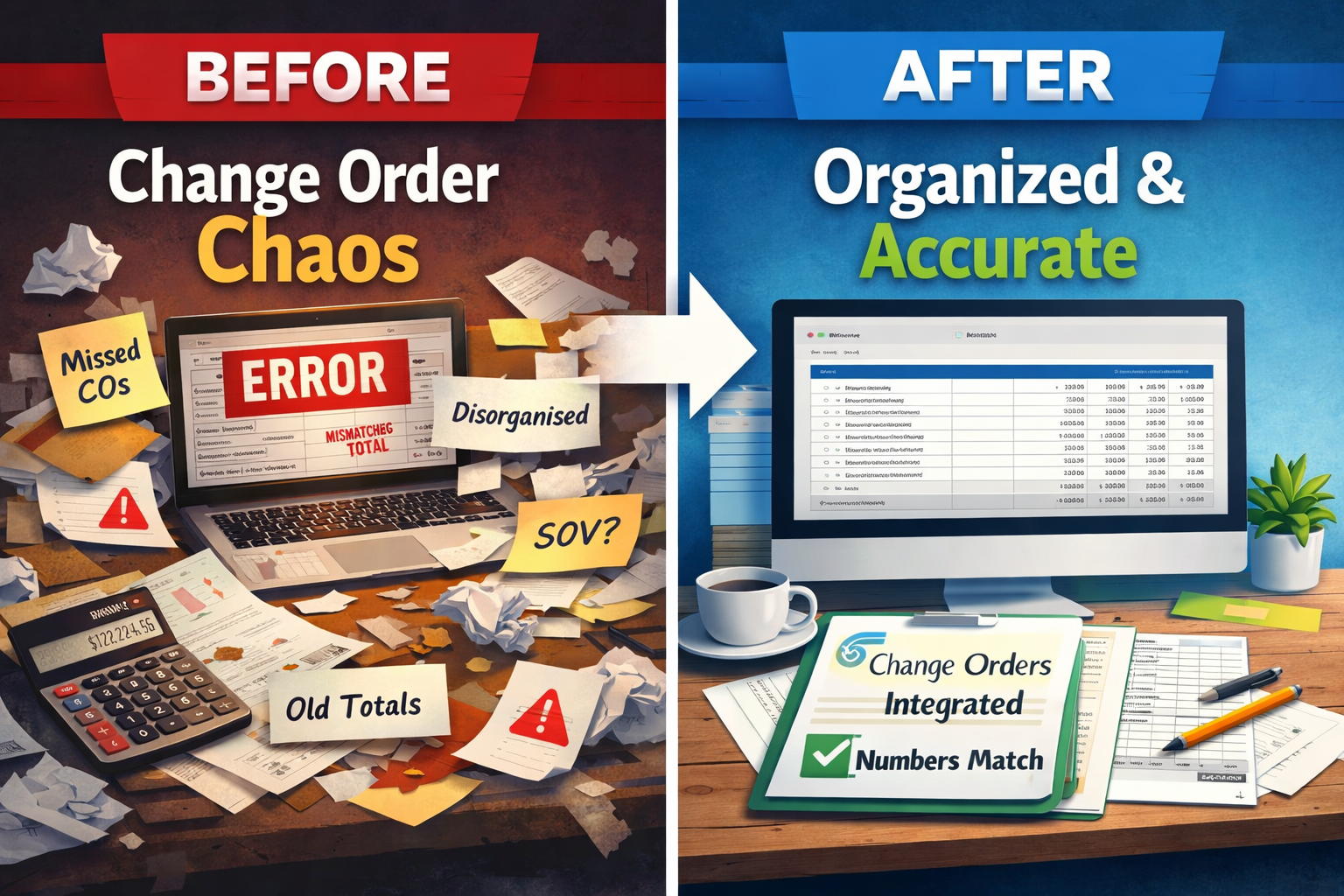
Where Change Orders Break Down
The problem isn’t the change order. It’s how it flows (or doesn’t) into your billing.
Change orders get tracked separately, but your pay app depends on the Schedule of Values. If they aren’t integrated, totals drift.
A change gets billed once… but not carried forward correctly. Now your “previous application” numbers are wrong.
G702 summary doesn’t match G703 continuation. That’s an instant red flag for reviewers.
Manual updates, copy/paste, and adjustments lead to subtle errors that compound every billing cycle.
How PayAppPro Fixes It
Approved changes become part of your contract structure — not side notes.
No more guessing what was billed last time. Everything rolls forward automatically.
G702 and G703 stay aligned so your pay app looks clean and professional.
Want to See the Right Way to Bill Change Orders?
Step-by-step breakdown of how change orders should flow through AIA-style pay applications.
Read the GuideStop Letting Change Orders Slip Through the Cracks
Build a clean pay app, keep your numbers aligned, and get paid for the work you’ve already done.